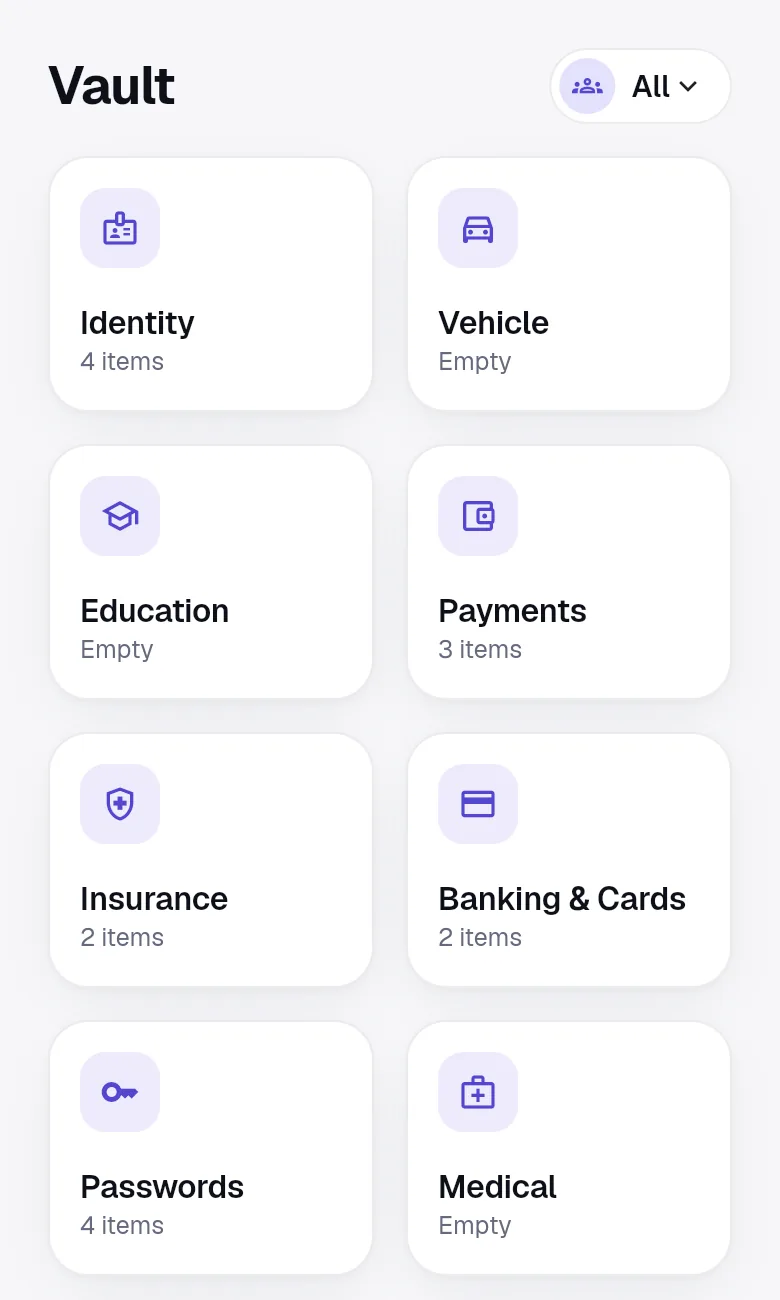
Templates that know Indian documents
A photo of a document is hard to search and easy to lose. OnlyWallet stores the details too, in templates built for each document:
- Identity: Aadhaar (with its checksum), PAN, passport, voter ID.
- Vehicle: driving licence, RC, vehicle insurance, PUC certificate, service records, FASTag.
- Education: 10th and 12th marksheets, degree certificates, transcripts, certifications.
- Insurance: health, life and term, motor and home policies, with nominee and agent details.
- Banking and cards: bank accounts, debit and credit cards, UPI IDs.
- Medical: prescriptions, reports and vaccinations.
- Property and work: rent agreements, sale deeds, offer letters, payslips and Form 16.
- Anything else: secure notes and custom items with your own fields.
Scan once, read on your device
On a phone, scan a document with the camera; on the web, upload a PDF or photo. OnlyWallet recognises the document type and fills in names, numbers and dates. Where it is not sure, it shows you the choices instead of guessing, and nothing is saved until you check every field. All of the reading happens on your device. The document is never sent to a server to be read.
Files that only you can open
Each attachment is encrypted with its own key before upload and saved in your own Google Drive with a random name. Thumbnails and file names are encrypted too. OnlyWallet asks only for access to the files it creates, not the rest of your Drive.
Reminders before anything lapses
Passports remind you nine months ahead, because many visas need six months of validity. Licences, RCs, policies and certificates start 60 days ahead. Notifications say only that a document expires soon, never which one, so nothing private appears on your lock screen.
Show only what is needed
The wallet on your home screen shows document cards with only the last four characters of the number. Open a document to see or copy a field; copies clear from the clipboard after 30 seconds. Mark a title private and even its name is encrypted.