Every EMI, rent and premium on one calendar
See what is due, paid and pending this month. Mark payments paid, set a card bill's amount, and view a loan's full schedule.
Payments and EMIs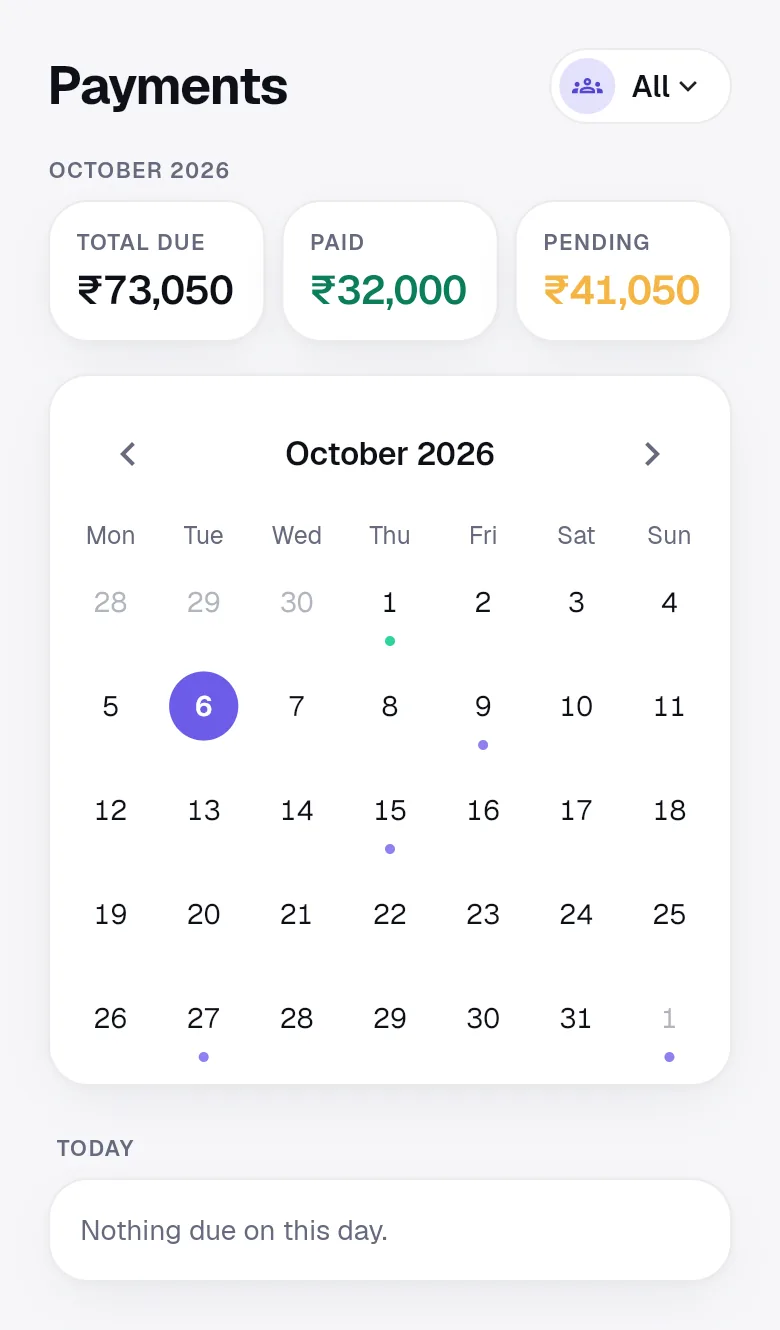
ID documents, EMIs, insurance and passwords in one vault, encrypted on your device. Free for you and your family.

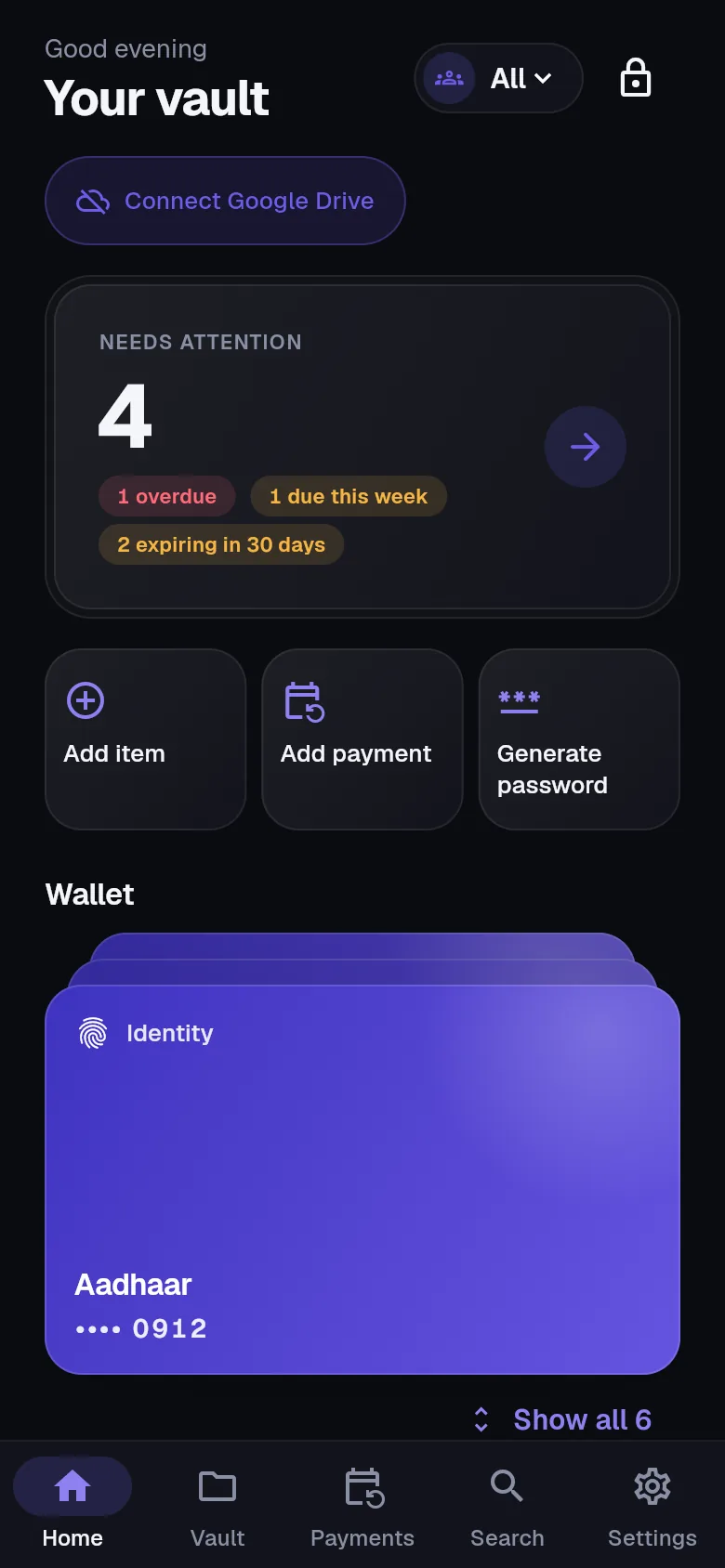
41 ready templates across 10 categories, from the Aadhaar letter to the FASTag, each with the right fields and reminders.
The document walletAadhaar, PAN, passport, voter ID
Driving licence, RC, insurance, PUC, FASTag
Loans and EMIs, rent, card bills, SIPs
Health, life and term, motor, home
Accounts, debit and credit cards, UPI IDs
Logins with one-time codes
10th and 12th marksheets, degrees
Prescriptions, reports, vaccinations
Rent agreement, sale deed, Form 16
Secure notes and your own fields
See what is due, paid and pending this month. Mark payments paid, set a card bill's amount, and view a loan's full schedule.
Payments and EMIsPassport nine months ahead, licence and insurance from 60 days, EMIs three days before. Quiet hours hold alerts overnight.
Text is read on the device and fills the form for you. Nothing is sent to a server to be read.
Generator, one-time codes, a health score for weak and reused passwords, and autofill.
PasswordsFamily and group spaces have their own key. Members see what is shared; our servers see ciphertext.
Family sharingEmergency access lets a chosen person ask for read-only access. You get days to say no.
Emergency accessYour master password never leaves your device. It unlocks a key that encrypts every field and file before anything is saved.
"templateId": "passport",
"expiryDate": "2031-03-14",
"titleEnc": "FCoZZ4b426luYSKZJrxrwluoMFs39g3Qf665Ag==",
"encV": 2,
"enc": {
  "v": 1,
  "iv": "CflV+lOOABjAkTZ3",
  "ct": "T1g3aE03hasD1c/PAm3fqIqvPjhkATTS86NG7STvschQ5XhdozixX5fixZTo8yXR0OBbk/90iU24Wh/t0bnXx6D1M6AuehFthrmYLXKz+rxhFKAO8ke4JbV4MgN550hD"
}
Every field is sealed with AES-256-GCM before it leaves your device. Dates, amounts and the document type stay readable so reminders can reach you; a private title is encrypted too. Sample record, fictional person.
Read the full security designYour Google account identifies your vault on every device. It never unlocks it.
At least 10 characters, with a live strength meter. Only you know it.
Your recovery phrase is shown once. Confirm three words and keep the paper safe.
Optional. Encrypted files go to a folder in your own Drive.
We cannot reset your master password. Your recovery phrase is the only way back in, so keep it on paper, not in your phone.
No subscription, no storage fee and no ads. Files live in your own Google Drive, so there is nothing to meter.
What is includedYes. Every feature is free: documents, payments and EMIs, reminders, passwords, family spaces, emergency access and backups. There are no plans, no trial, no card and no ads. Your files are stored in your own Google Drive, so we do not charge for storage.
No. Document fields, passwords, notes, scanned text and attached files are encrypted on your device with a key that only your master password (or your recovery phrase) can unlock. Our servers keep the ciphertext. Some details stay readable so reminders work, such as dates, amounts and the document type; you can mark a title private to encrypt it too.
Use the 24-word recovery phrase you wrote down when you created the vault to set a new password. If you lose both the password and the phrase, nobody can open the vault, including us. That is the cost of zero-knowledge encryption.
Attached files and scans are encrypted on your device and saved in an "OnlyWallet Vault" folder in your own Google Drive, with meaningless file names. OnlyWallet asks only for access to files it creates, not to the rest of your Drive.
The web app works today in any modern browser at app.onlywallet.in, on laptops and phones. Android and iPhone apps and a Chrome and Edge extension are on the way. Sign in with the same Google account everywhere and unlock with the same master password.
Yes. You can open, search, add and edit items offline. Changes wait on the device and sync when you are back online. If the same item was changed elsewhere meanwhile, OnlyWallet shows both versions and lets you choose, instead of overwriting.
Open the web app, sign in with Google and create your master password. Your vault is ready in a few minutes, and it is free.